 Public beta · iOS 27
Your Apple Pay purchases log themselves.
You pay with your iPhone and Booky logs it with its merchant and amount. No bank connection.
Free. In the beta, everything is unlocked.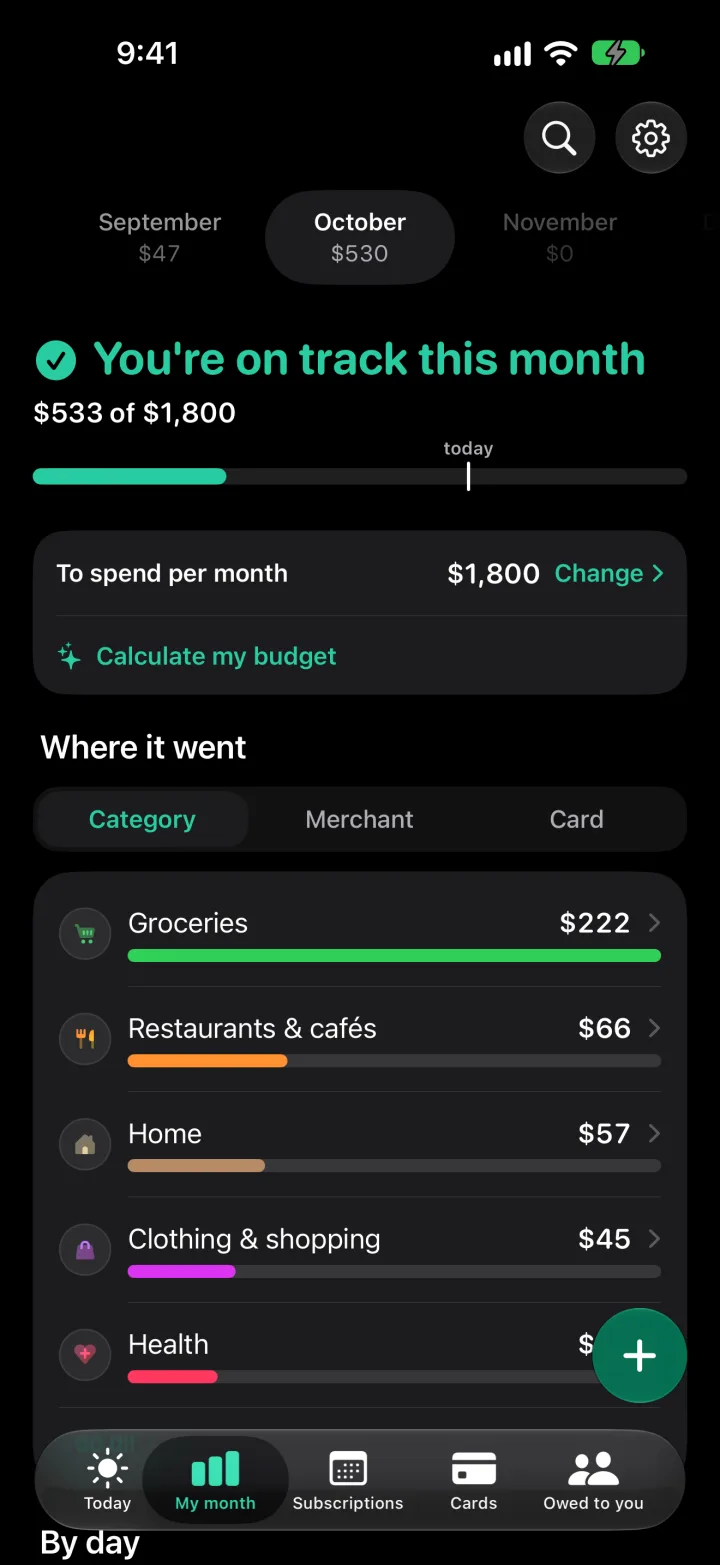
How it works
Set it up once, in two steps. After that, don't touch a thing.
- 1
You pay with Apple Pay
Like always, in any store.
- 2
Shortcuts hands it to Booky
Two Shortcuts automations read the Wallet alert.
- 3
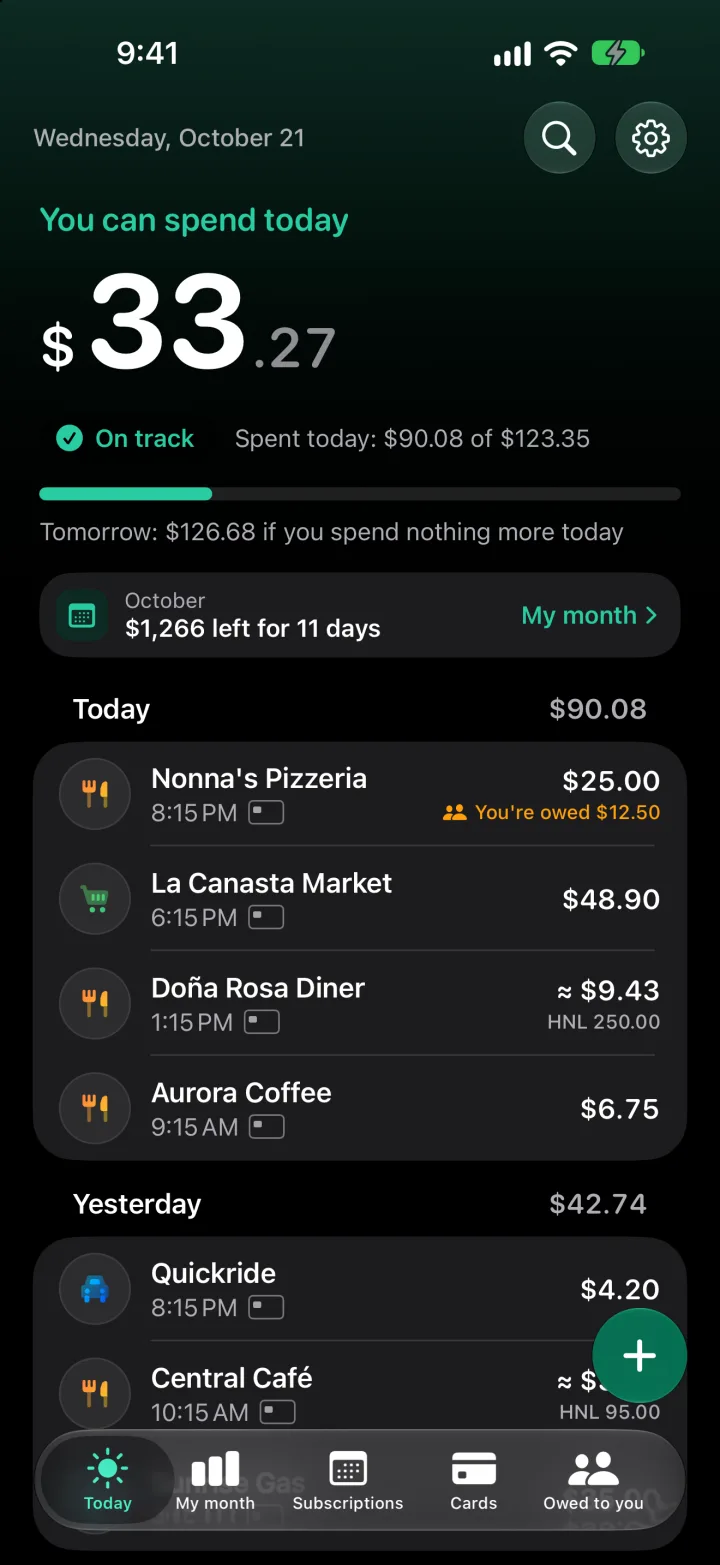
It's logged
In Today, with its merchant, amount and card.
Your whole month, at a glance
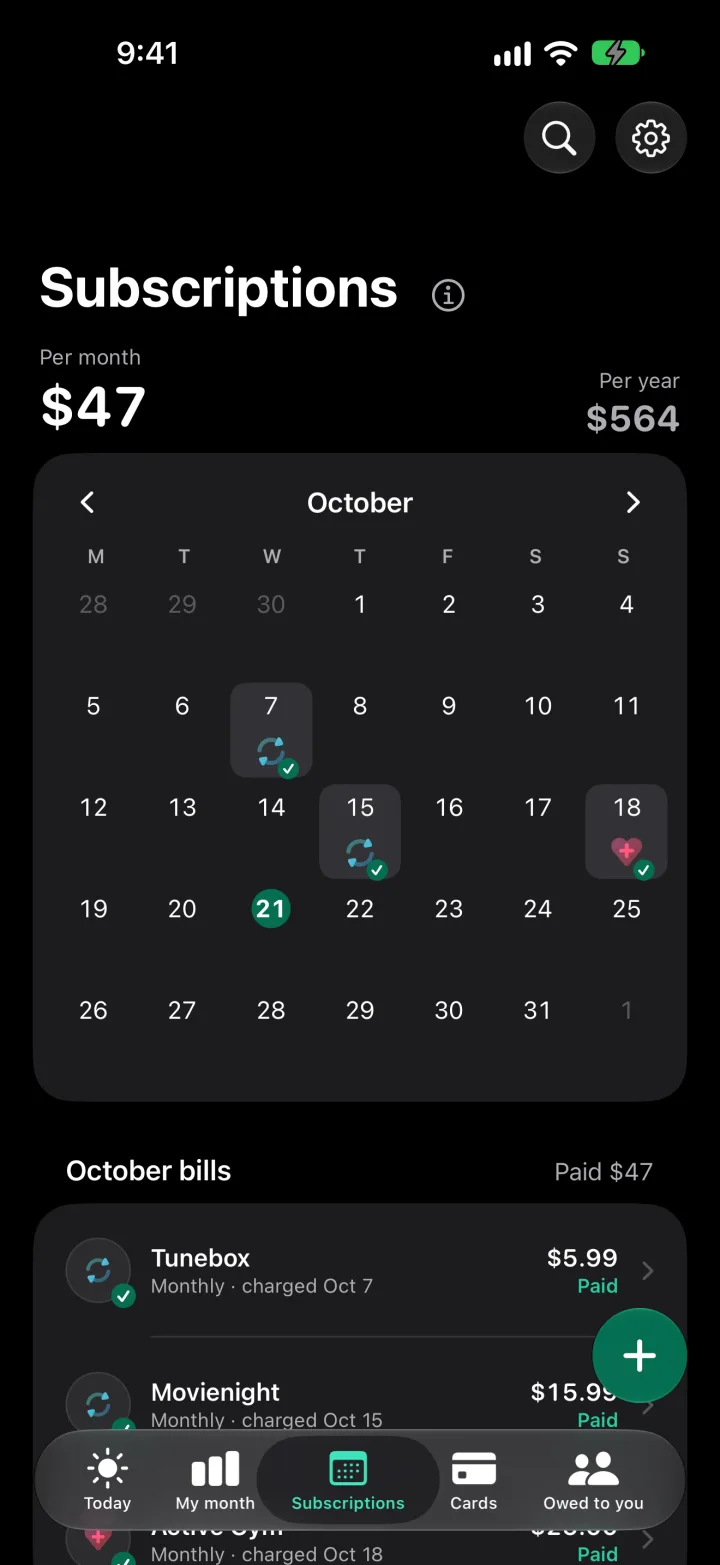
Subscriptions
Booky finds them on its own and marks every charge on the calendar.
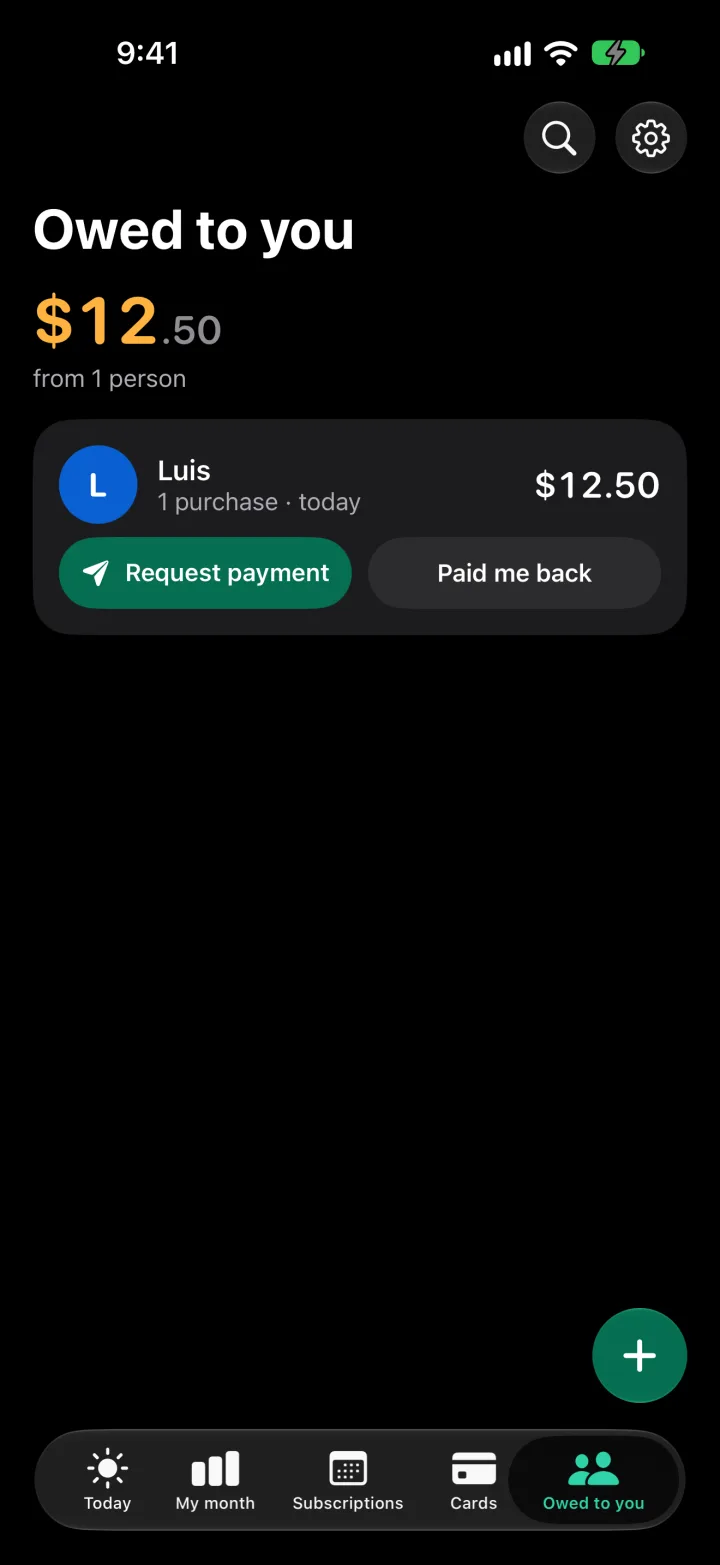
Owed to you
Split a purchase and collect over WhatsApp.
My month and budgets
By category, free and uncapped.
Cards
How much is on each one, like in a wallet.
Widgets
What's left of the month, on your home screen.
iCloud backup
In your private iCloud. Export to CSV any time.
For those who want more.
In the beta, everything is unlocked.
- Live Google Sheets
- Alert the day before each fixed payment
- Reminder to collect from whoever owes you
Booky doesn't connect to any bank.
Your purchases are stored on your iPhone and in your private iCloud. We have no servers and never receive your purchases.
Privacy policyQuestions
Why does it need iOS 27?
Automatic capture uses the Shortcuts “Notification” automation with Wallet, which arrived with iOS 27.
I paid with Apple Pay and it didn't come in by itself. What do I check?
That both automations are still on in Shortcuts. If they are, open Settings → Capture log: a line is left every time the automation calls Booky, even when it fails. Add the purchase with the + and tell us what the line says.
What's free?
Almost everything. Today only three things are Booky Pro: live Google Sheets, the alert the day before each fixed payment and the reminder to collect from whoever owes you. During the beta, everything is unlocked.
What do I need for the beta?
An iPhone with iOS 27 and TestFlight, Apple's app for trying apps. Install it, open the beta link on your iPhone and follow the steps. Once in Booky, tap “Set up Apple Pay” on Today: two steps, just once.
How do I send feedback?
From the app: Settings → “Write to us” (also “Suggest an idea” and “Send a comment”). The reply arrives in Settings → “My messages”. You can also take a screenshot inside Booky and share it with TestFlight's beta feedback; the screenshot shows everything on screen, such as amounts or merchants.
A friend sent me a WhatsApp payment request ending “Split with Booky”
Your friend used the app to work out your share and sent it themselves, from their own WhatsApp. Booky doesn't charge you or move any money, and you don't need the app. If you recognize the request, pay your friend; if you don't, don't pay, and ask whoever sent it.